

Fast Video Cataloger 10.3 Connects AI Assistants to Local Video Libraries
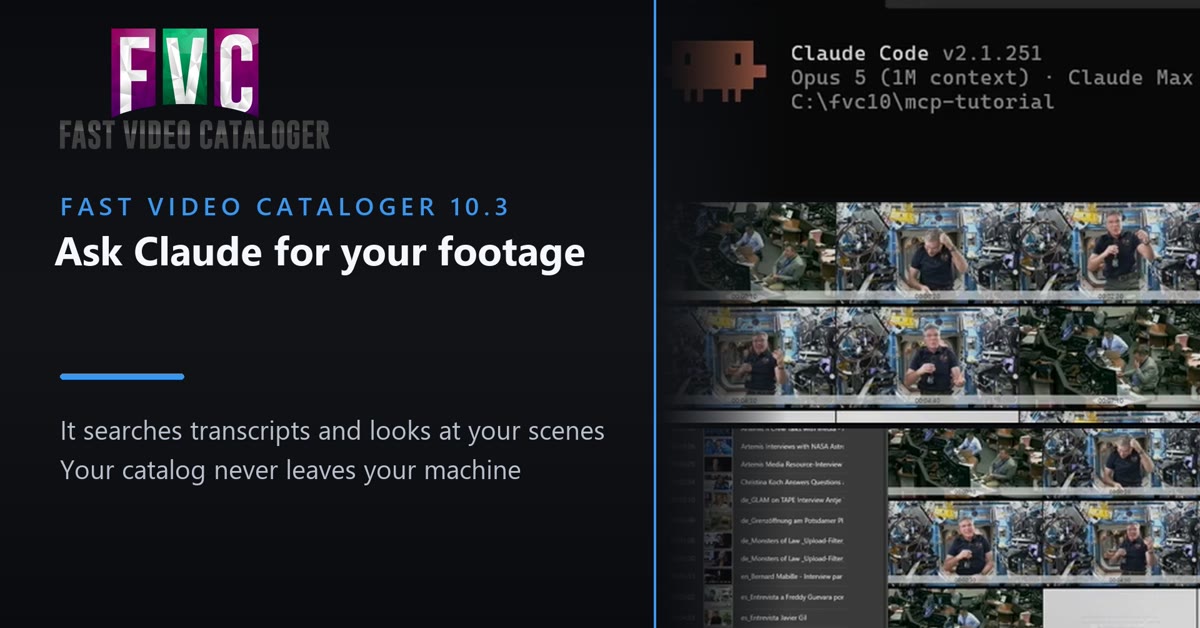
Fast Video Cataloger 10.3 lets an AI assistant search a local video library. Ask in plain language and it searches the transcripts and scenes, looks at the actual thumbnails to judge each shot, and never uploads your footage.
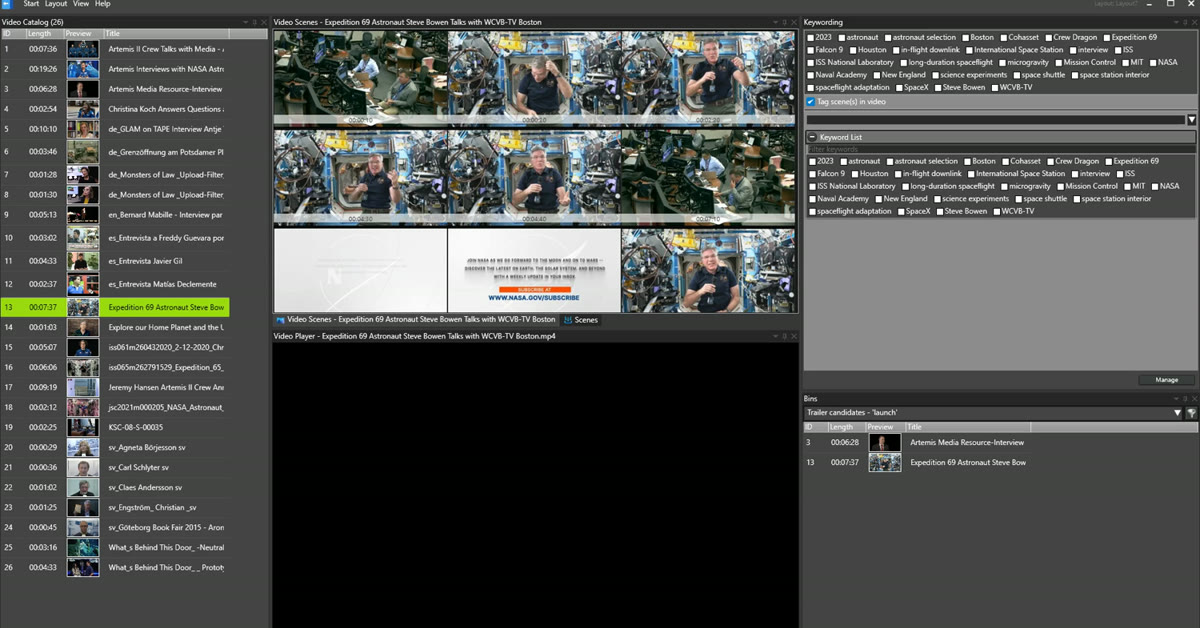
Asked which interview shots would cut into a trailer, the assistant searched the transcripts, checked the scene thumbnails, and binned the two clips that held up — choosing its own steps along the way.
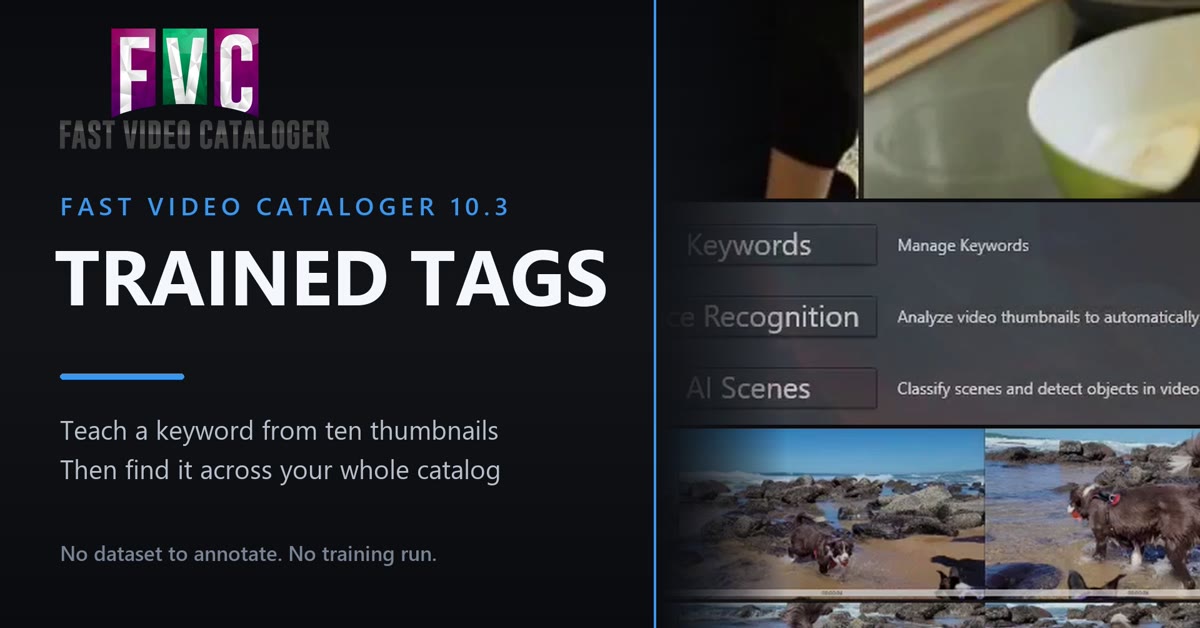
Trained Tags: show Fast Video Cataloger about ten thumbnails of a subject, and it finds and keywords that subject across your whole catalog. No dataset to annotate, no training run.
Version 10.3 links assistants such as Claude to a self-hosted video catalog through the Model Context Protocol, and adds Trained Tags: AI keywords you teach.
MCP is the open standard, now adopted across the AI industry, that lets assistants operate external tools. With version 10.3, Fast Video Cataloger brings that capability to self-hosted video libraries: the assistant works against the user's own catalog server rather than a cloud service, so an entire archive — including its transcripts, cast and scene metadata built up over years — becomes something an assistant can be asked about, with the media staying in place.
AI ASSISTANTS AS A SEARCH INTERFACE
The connector, fvc-mcp, is included in the installer and works against the Fast Video Cataloger server. Through it, an assistant can search videos, scenes, transcripts and cast; retrieve and visually inspect scene thumbnails; apply and remove keywords; and gather clips into bins from a single plain-language request.
The release adds the infrastructure that makes unattended access practical. Server API keys are long-lived credentials with their own permission level — including read-only — created and revoked by an administrator in the User Management window or over the REST API; only a fingerprint of a key is stored, and the number of active keys follows the number of user accounts the license allows. Videos already in a catalog can now also be indexed through the REST API, so a script or an assistant can work through a backlog on its own, including transcription and AI analysis.
"Ask for 'the interviews where we talk about the merger, from last spring' and the assistant finds them, checks the thumbnails, and puts the clips in a bin," said Robert Lönn, co-founder. "That has been the promise of AI search for years. What makes this version of it different is that it works against your own library, on your own hardware, today."
TRAINED TAGS: CUSTOM AI KEYWORDS FROM TEN THUMBNAILS
Version 10.3 also introduces Trained Tags. Instead of being limited to the keywords a built-in AI model knows, a user selects around ten thumbnails that show the subject — a particular set, a recurring location, a specific product — right-clicks, and chooses Teach trained tag. The software then finds that subject across the catalog and keywords it automatically, during indexing or as a batch. A tag can match whole frames or attach to a detected object, so two similar-looking subjects can be told apart, and a wrong match is corrected with a right-click that itself teaches the tag. There is no dataset to annotate and no training run.
AUTOMATIC TAGGING THAT ADAPTS TO THE LIBRARY
The AI image tagging introduced earlier in version 10 can now run while videos are indexed, so new material arrives in the catalog already tagged. Tagging also now calibrates itself per catalog: the software learns what is typical for that particular library, which makes tagging more selective on collections dominated by one kind of material, such as screen recordings or interviews, with nothing to configure.
Fast Video Cataloger is a companion to non-linear editors such as Premiere Pro and DaVinci Resolve, not a replacement: a search and organization layer for footage libraries, with visual browsing, structured metadata and full local control. Version 10.3 also includes a long list of fixes and refinements; the full list is in the version history in the user guide.
AVAILABILITY AND PRICING
Fast Video Cataloger 10.3 is available now for Windows 10 and 11. Pricing starts at $9.90 per month, $97 per year, or a one-time perpetual license of $197. A free 30-day trial is available at videocataloger.com.
About Fast Video Cataloger
Fast Video Cataloger is a Windows application for organizing, searching, and managing large video libraries. Used by video editors, post-production teams, media archivists, and content creators, it provides fast visual search, structured metadata, and local control over video collections. In active development for over 15 years. Learn more at videocataloger.com.
Fredrik Lönn
VideoStorm Sweden AB
email us here
Visit us on social media:
YouTube
Connect an AI assistant to your video catalog - Fast Video Cataloger 10.3
Legal Disclaimer:
EIN Presswire provides this news content "as is" without warranty of any kind. We do not accept any responsibility or liability for the accuracy, content, images, videos, licenses, completeness, legality, or reliability of the information contained in this article. If you have any complaints or copyright issues related to this article, kindly contact the author above.
